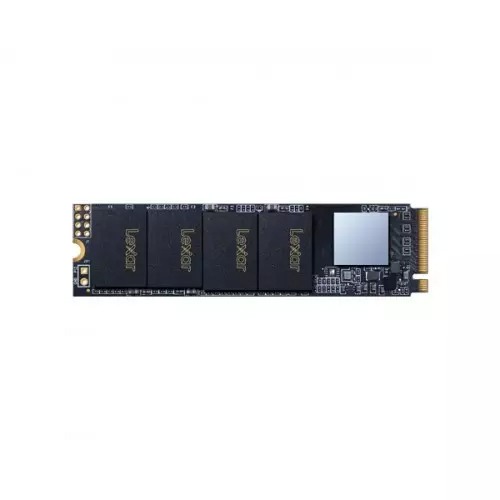
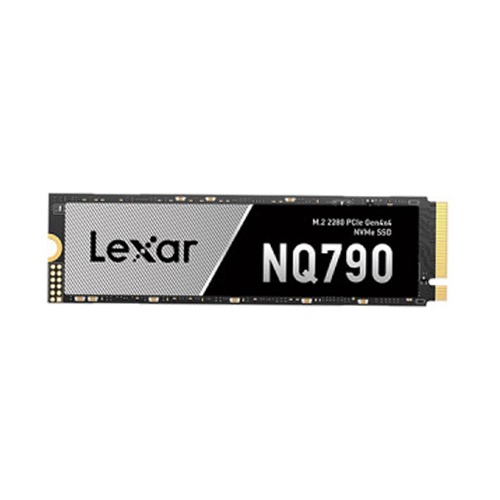
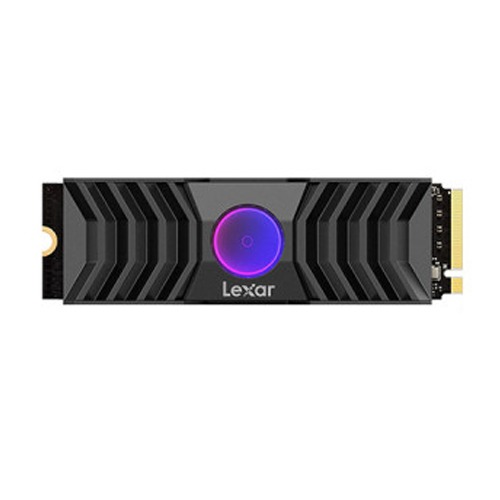
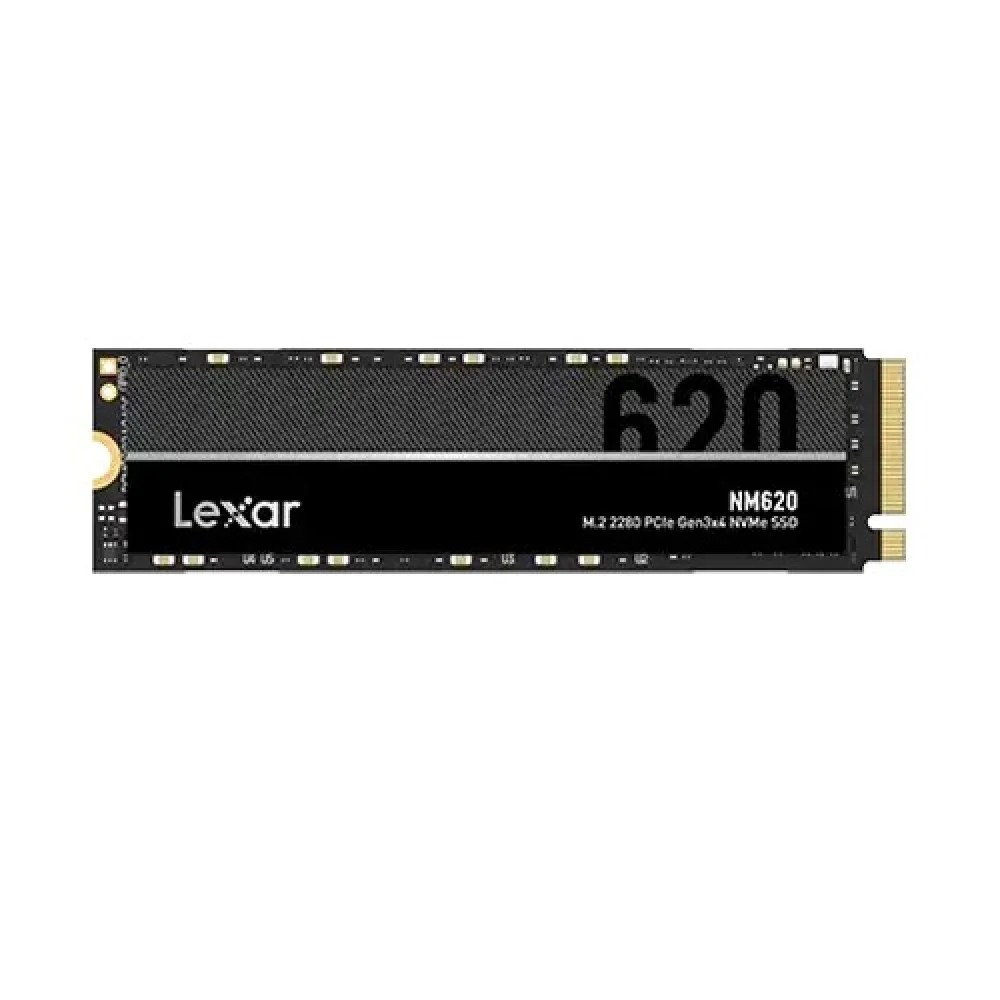
Check Lexar price updated on 16-10-2026 in Bangladesh. Find the lowest prices in Bangladesh with product specifications, key features, images, ratings and more. Latest Lexar prices are mentioned here for easy price comparison.
Shop Lexar SSD in BD: Choose the Perfect One for You
Lexar has become one of the most trusted names when it comes to storage in Bangladesh, and honestly, for good reason. Whether you're a gamer who's sick of staring at loading screens, someone who edits videos and works with huge files, or just a regular person who wants their computer to feel fast again, Lexar makes something that'll work for you.Here's the thing about upgrading to a Lexar SSD in Bangladesh. The difference is pretty crazy compared to old hard drives. Your Windows actually boots up in seconds instead of making you wait forever. Apps open right away instead of taking their sweet time. And when you need to move files around, what used to take hours now happens in just minutes. It's one of those upgrades where you'll actually notice the difference every single day.
The tech scene in Bangladesh has really grown over the past few years. People aren't happy with fake products or sketchy warranties anymore. At UltraTechnology, we get that. That's why we stock real Lexar SSD options for every type of user and budget. Starting from around ৳8,500 for basic models and going up to ৳35,000 for the really fast ones. Every drive comes with the proper warranty from the manufacturer, and we're here to help if anything goes wrong.
Find Your Best Lexar SSD – Depends on How You Use It
Let's make this simple. You don't need to understand all the technical stuff to pick the right drive. Just think about what you mainly do on your computer.
Best for Gaming & High-Speed Performance
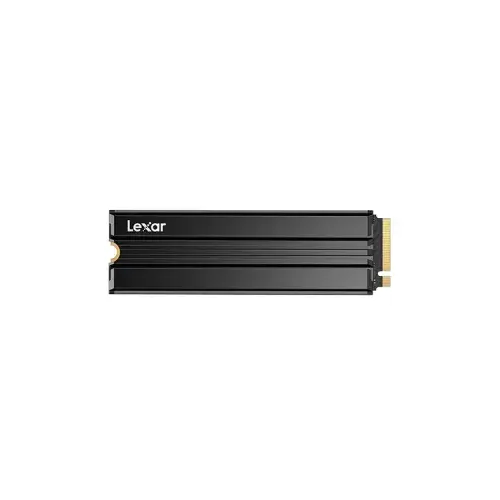
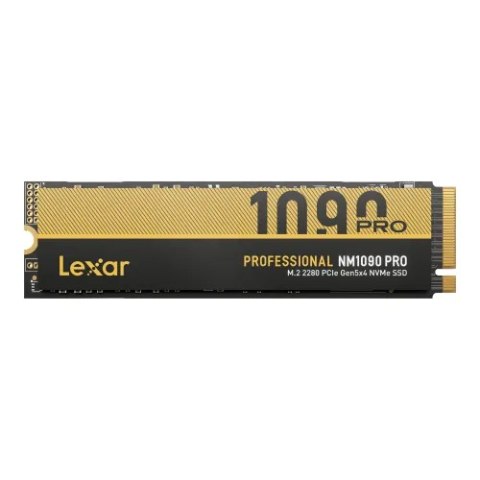
If you want the fastest stuff right now in Bangladesh for gaming or heavy work, go for the Lexar NM790 1TB NVMe M.2. This one reads at up to 7,400MB/s and writes at 6,500MB/s – games like Cyberpunk 2077 or Elden Ring that took a minute to load before now pop up in just 10-12 seconds. No more waiting around. In big open worlds, you move fast and textures load instantly, no blurry pop-in mess. For video editing in 4K or even 8K, scrubbing the timeline feels smooth, no stutters, and renders finish way quicker,maybe cut 25 minutes down to 14-16. If you need something similar but smaller, check the Lexar NM790 512GB NVMe M.2 ,same crazy speed, just less space. Or step up to the super-fast Lexar NM1090 NVMe PCIe if your setup can handle Gen5 – it hits over 11,000MB/s read. These change how gaming and creative work feel every day.
Best for Daily Office Work and Productivity
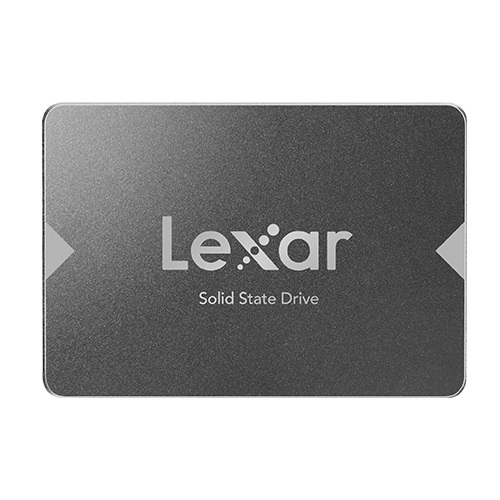
For most people doing normal stuff like office work, school, browsing, or light multitasking, the Lexar NM620 1TB NVMe is perfect – reads at 3,500MB/s, writes at 3,000MB/s. That's still way faster than old drives, Windows boots in 12-15 seconds, apps open right away, and files move quick. You won't feel much difference from the super expensive ones for everyday things. Even in games, it's only 1-3 seconds slower on loads – most won't notice. The smaller Lexar NM620 512GB works great too if you don't need tons of space. For tight budgets or older computers without new slots, grab the Lexar NS100 512GB SATAIII,it's capped at around 550MB/s but still feels five times faster than a spinning hard drive, no more dragging waits. Or try the Lexar NM610 PCIe Gen 3x4 for a solid middle option that's reliable and quick for daily use.
Essential Features Every Lexar SSD :Technical Specifications That Actually Matter
Lexar's built up a good reputation by actually making reliable stuff that works well without charging crazy prices. Let's talk about what makes these drives tick.
- Better Memory Technology: Lexar uses what's called 3D NAND flash memory. Basically, instead of laying memory cells flat, they stack them up vertically. This means they can fit more storage in the same space, and it actually lasts longer too. The drives keep working well even after years of use. The fancier models use something called TLC NAND, which is a good balance of being fast, lasting a long time, and not costing too much.
- Smart Controller: Every SSD has a controller chip that's like its brain. It figures out where to put your data, makes sure everything wears evenly so nothing breaks too fast, and fixes errors if they happen. Lexar works with companies that really know how to make these controllers. The result is that whether you're moving one huge video file or thousands of tiny documents, the drive handles it well.
- Burst Speed Boost: A lot of Lexar drives use this clever trick called SLC caching. Basically, part of the memory temporarily acts super fast for new data coming in. Then when you're not using the drive, it moves that data to the regular storage. This means when you're copying files or installing a game, it stays fast. Even if you're moving a massive amount of data and the cache fills up, it still performs pretty well.
- Stays Cool Enough: Heat can slow down storage, so Lexar designs their drives to handle it. The controller runs efficiently, the software is optimized, and the drives work with those heatsinks that some motherboards have. This matters in Bangladesh because it's usually pretty warm here. The drive won't slow down when you're doing heavy work or gaming for hours.
Durability and Longevity of the Components : How Quality Construction Affects Your Experience
Modern Lexar drives are built to last a really long time. The specs usually say 50 to 80 million operations for the good models. But what does that actually mean for regular people? Well, most of us write maybe 10 to 30GB of data per day. That works out to roughly 3.5 to 11TB per year. Even if a drive is only rated for 300TB total (which is on the lower end), that's still like 27 to 90 years of use. So basically, you're never going to wear it out through normal use.The quality of the memory chips and the controller really matters for how long the drive lasts. Lexar uses proven 3D TLC NAND that holds up well over time. There's also smart software running in the background that spreads out the wear evenly across the whole drive. And they keep some extra storage hidden away just for managing this wear, which keeps everything running smooth for years.Lexar clearly believes in their stuff because they back it up with warranties from 3 to 5 years depending on which model you get. The fancy NM790 usually comes with 5 years of coverage. The NM620 gets you 3 to 5 years. Even the budget NS100 SATA drives get 3 years. If something goes wrong and it's covered by warranty, UltraTech helps you deal with the claim so you're not stuck waiting forever for a replacement.
Understanding the Connection Types and Their Real-World Impact
Understanding what kind of connection your drive uses helps you pick the right one for your computer. The NM790 and NM620 use the M.2 form factor with NVMe protocol. That's the modern standard for fast storage. These drives plug right into your motherboard without any cables, which keeps your case cleaner and gives you the best speed. Most computers made after 2016 have these M.2 slots, but it's worth checking your motherboard specs to be sure.Gen4 drives like the NM790 are super fast when you pair them with a Gen4 motherboard (usually Intel 11th generation or newer, or AMD Ryzen 3000 series and up). But don't worry if you have an older board with just Gen3 slots. The drive still works, it just runs at Gen3 speeds instead, which is still really fast. Gen3 drives like the NM620 work great in either Gen3 or Gen4 slots at their full speed.The NS100 SATA series uses the old standard 2.5 inch shape. This works with basically any computer from the last 15 years. Both desktops and laptops can use these drives. You just need SATA data and power cables. For older systems that don't have those newer M.2 slots, SATA is your only choice for an SSD. And it's still a massive upgrade from a hard drive.
The Advantages of Buying from UltraTechnology : What Makes Our Service Different from Others
Where you buy your Lexar SSD actually matters just as much as which model you pick. UltraTech has earned trust in Bangladesh by being consistent and actually caring about customers.
- You Get Real Products: Every Lexar SSD we sell comes straight from authorized distributors. We can prove it with serial numbers and proper packaging. We never sell fake stuff because we know how frustrating and expensive that is for you. Our direct connections with brands mean you're getting the real deal with a proper warranty.
- Warranty Help That Actually Works: The manufacturer warranty covers defects and failures. Our service center in Dhaka handles warranty claims quickly so you're not waiting forever if something goes wrong. We actually stand behind what we sell instead of just sending you in circles through complicated support systems.
- Real Advice from People Who Know: Our team actually knows this stuff. We understand what the specs mean and how drives perform in real life. If you're buying your first SSD or you need something specific for work, we'll give you honest recommendations based on what you actually need and what you can afford. No pressure, just helpful info.
- Fair Prices: We keep an eye on what others are charging so our prices stay good. We run sales and deals regularly so you can get even better value. If you find a lower price somewhere else on the exact same product from an authorized seller, we'll match it.
- Easy Shopping: You can browse everything online with detailed specs and real customer reviews. Or come to our Dhaka showroom and talk to us in person. We take cash on delivery, mobile banking, and cards. We even have EMI options so fancier drives are more affordable for more people in Bangladesh.
- Fast Shipping: Order before 2 PM in Dhaka and we'll get it to you the same day. For everyone else in Bangladesh, it takes 2 to 4 days to reach you. We pack everything carefully so your drive arrives in perfect shape and ready to use.
Make Your Computer Even Better with Matching Parts
When you grab a solid Lexar SSD from us to speed up your computer, you get the same good treatment for the rest of your setup too. Lots of people start with just the SSD because it makes everything load so much faster, and then they come back later for more parts since it's simple and they know it's all real stuff with quick warranty help right here in Dhaka. You can easily add things that go perfectly with your new drive, like a powerful processor for smooth multitasking or gaming, High-speed RAM to boost performance, so your PC stays quick even with many apps open, a graphics card for better games or editing videos, a compatible motherboard to tie everything together, a High-Resolution monitor to enjoy the sharper look, or extras like a cooler, case, power supply, or standard & Gaming Keyboard. Everything is genuine, comes with proper warranty we handle fast, and no fake products or long waits. This way you save time by not running around different shops, the quality stays the same on every piece, and if you're confused about what to choose just ask us – we'll suggest what's right for what you do and how much you want to spend, no pushing at all.
How to Maintain Your Lexar SSD for Long Life
Taking care of your SSD is pretty easy and doesn't take much time. Just a few simple things will keep it running great for years.
- Don't Fill It Completely: Try to keep at least 10 to 20% of your drive empty. When you fill an SSD all the way up to 100%, it can slow down a bit and doesn't last quite as long. Just leave some breathing room and you'll be fine.
- Make Sure TRIM is On: Windows 10 and 11 turn this on automatically. It's a feature that keeps your SSD running fast over time by cleaning up deleted files properly. You can check if it's on by opening Command Prompt and typing "fsutil behavior query DisableDeleteNotify". If it says "0", you're good.
- Update When There's New Firmware: Sometimes Lexar releases updates that fix bugs or make things faster. Check their website once in a while to see if there's an update for your specific drive. Just follow their instructions carefully when you install it.
- Keep It Cool Enough: While these drives don't get as hot as hard drives used to, really high temperatures over long periods aren't great. Make sure your computer case has decent airflow. If your motherboard came with a heatsink for the M.2 slot, use it. In laptops, don't block the vents. Normal temps between 40 and 70 degrees Celsius are totally fine.
- Back Up Your Stuff: Even though these drives are way more reliable than hard drives, anything can break unexpectedly. Keep backups of important stuff on an external drive, in the cloud, or both. This protects you from drive failures, theft, accidents, whatever.
- Be Gentle When Installing: When you're putting in an M.2 drive, don't crank down that tiny screw too hard or you could crack the circuit board. For 2.5 inch SATA drives, make sure they're secured properly so they don't bounce around if you move a laptop. Handle drives by the edges instead of touching the chips and stuff.
A Expert Guide for Choosing the Right Storage Capacity Based on Your Need
Figuring out how much storage you need is about balancing what you need now, what you might need later, and what you can afford.
- 256GB - The Basic Option: This is the smallest you should really consider for Windows these days. After Windows and your basic programs use up 60 to 80GB, you've got maybe 150 to 170GB left. This works if you're on a super tight budget, use cloud storage for most things, or need a second drive for something specific. But honestly, most people will run out of space within a year or so.
- 512GB - Pretty Comfortable: This is the smallest size we'd recommend for your main drive in 2026. Windows and your apps take up 100 to 120GB, leaving you with 350 to 380GB for games, media, and files. Gamers can fit 3 to 5 big modern games on here. If you work with photos or videos but not huge amounts, this gives you enough room to work. The price per gigabyte is pretty good at this size too.
- 1TB - The Sweet Spot: This is what most people buy, and for good reason. You get plenty of space without spending too much. You can fit Windows, all your programs, 8 to 12 modern games, lots of documents, and a decent media collection. Most people never fill up a 1TB drive during the typical 3 to 5 years they keep a computer, unless they're storing tons of videos or photos. The cost per gigabyte is usually best at this size.
- 2TB - For Power Users: If you work with big media files, want to keep a huge game library installed, or do professional creative work, 2TB makes sense. Video editors working with 4K footage have room to work without constantly moving stuff around. Photographers with years of RAW images have plenty of space. Gamers can keep 15 to 20 games installed and never wait for downloads. It costs more, but if you actually need it, it's worth it.
What is the Lexar SSD price in Bangladesh?
Prices start from around ৳1,800 depending on capacity and type.
Where can I buy genuine Lexar SSDs in BD?
Available at Ultra Technology with warranty and verified stock.
What features should I expect from a Lexar SSD?
Look for fast read/write speeds, reliable performance, and low latency.
Is a Lexar SSD good for gaming and daily use?
Yes, it offers quick load times and smooth multitasking.
Can Lexar SSDs be used in laptops and desktops?
Yes, they support standard SATA and NVMe M.2 interfaces for wide compatibility.