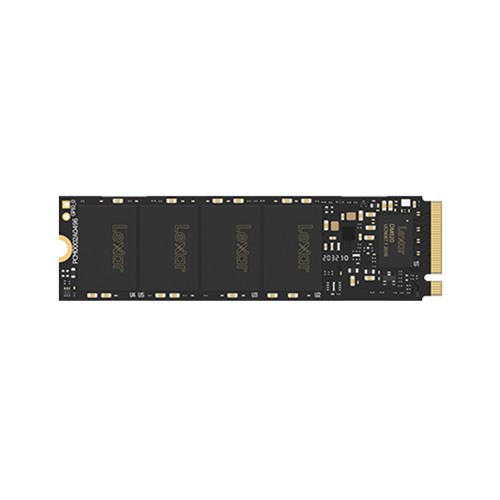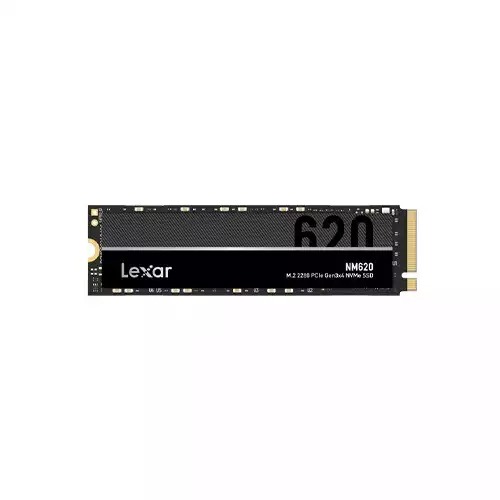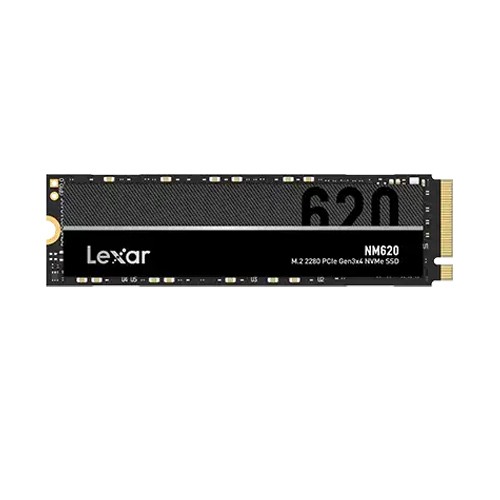
Lexar NM620 512GB M.2 NVME SSD
- Capacity: 512GB
- Form Factor: M.2 2280
- Interface: PCIe Gen3x4
- Sequential read up to 3500MB/s, write up to 2400MB/s
In stock
৳10,500৳12,500


Shop #511-512, Level 5, ECS Computer City, Multiplan Center, New Elephant Road, Dhaka-1205
Wed – Mon, 10:00 – 20:00 · Tuesday closedSuite 1413, Level 14, Multiplan Center, New Elephant Road, Dhaka-1205
Wed – Mon, 10:00 – 20:00 · Tuesday closedCompare models and get the latest Lexar SSD price in BD, starting from ৳1,800 at Ultra Technology with official warranty.

Check Lexar price updated on 16-10-2026 in Bangladesh. Find the lowest prices in Bangladesh with product specifications, key features, images, ratings and more. Latest Lexar prices are mentioned here for easy price comparison.
| Lexar list | Price in BD |
|---|---|
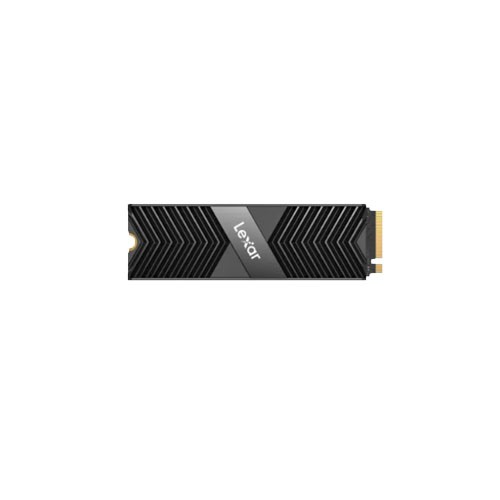
| Lexar NM790 1TB M.2 NVMe PCIe Gen4 SSD with Heatsink | ৳28,500 |
| Lexar SL300 2TB Type-C 3.2 Gen 2 Portable SSD | ৳34,000 |
| Lexar NS100 256GB 2.5 inch Gray SATA III SSD | ৳6,400 |
| Lexar SL300 1TB USB 3.2 Gen 2 Portable SSD | ৳17,500 |
| Lexar SL500 2TB USB 3.2 Gen 2 Portable SSD | ৳40,500 |
| Lexar Professional NM1090 Pro 1TB M.2 2280 PCIe Gen 5 NVMe SSD With DRAM | ৳36,000 |
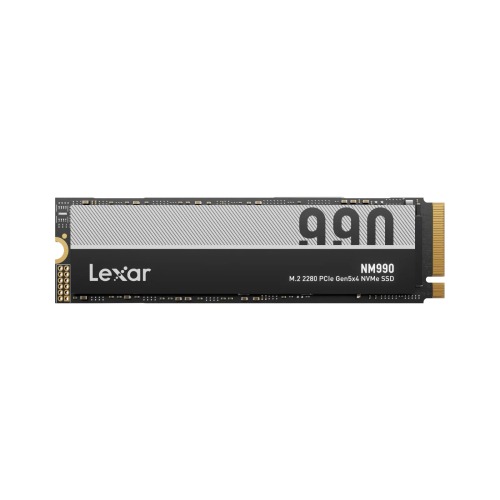
| Lexar NM990 1TB M.2 2280 PCIe 5.0 NVMe SSD | ৳30,000 |
| Lexar SL500 1TB USB 3.2 Gen 2 Portable SSD | ৳23,500 |
| Lexar NM610 Pro 500gb PCIe Gen3x4 M.2 NVME SSD | ৳10,500 |
| Lexar NQ790 500GB M.2 2280 NVMe PCIe 4.0 SSD | ৳13,000 |
Lexar has become one of the most trusted names when it comes to storage in Bangladesh, and honestly, for good reason. Whether you're a gamer who's sick of staring at loading screens, someone who edits videos and works with huge files, or just a regular person who wants their computer to feel fast again, Lexar makes something that'll work for you.Here's the thing about upgrading to a Lexar SSD in Bangladesh. The difference is pretty crazy compared to old hard drives. Your Windows actually boots up in seconds instead of making you wait forever. Apps open right away instead of taking their sweet time. And when you need to move files around, what used to take hours now happens in just minutes. It's one of those upgrades where you'll actually notice the difference every single day.
The tech scene in Bangladesh has really grown over the past few years. People aren't happy with fake products or sketchy warranties anymore. At UltraTechnology, we get that. That's why we stock real Lexar SSD options for every type of user and budget. Starting from around ৳8,500 for basic models and going up to ৳35,000 for the really fast ones. Every drive comes with the proper warranty from the manufacturer, and we're here to help if anything goes wrong.
Let's make this simple. You don't need to understand all the technical stuff to pick the right drive. Just think about what you mainly do on your computer.
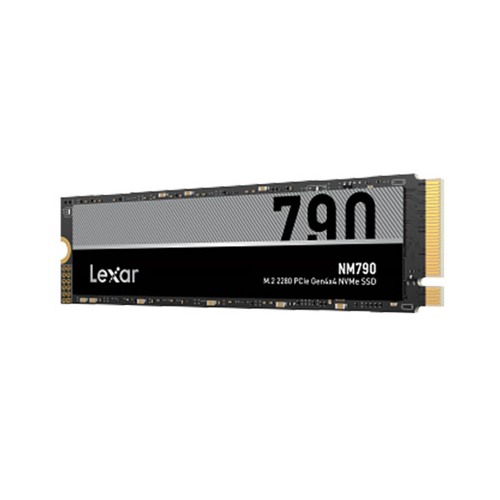
If you want the fastest stuff right now in Bangladesh for gaming or heavy work, go for the Lexar NM790 1TB NVMe M.2. This one reads at up to 7,400MB/s and writes at 6,500MB/s – games like Cyberpunk 2077 or Elden Ring that took a minute to load before now pop up in just 10-12 seconds. No more waiting around. In big open worlds, you move fast and textures load instantly, no blurry pop-in mess. For video editing in 4K or even 8K, scrubbing the timeline feels smooth, no stutters, and renders finish way quicker,maybe cut 25 minutes down to 14-16. If you need something similar but smaller, check the Lexar NM790 512GB NVMe M.2 ,same crazy speed, just less space. Or step up to the super-fast Lexar NM1090 NVMe PCIe if your setup can handle Gen5 – it hits over 11,000MB/s read. These change how gaming and creative work feel every day.
For most people doing normal stuff like office work, school, browsing, or light multitasking, the Lexar NM620 1TB NVMe is perfect – reads at 3,500MB/s, writes at 3,000MB/s. That's still way faster than old drives, Windows boots in 12-15 seconds, apps open right away, and files move quick. You won't feel much difference from the super expensive ones for everyday things. Even in games, it's only 1-3 seconds slower on loads – most won't notice. The smaller Lexar NM620 512GB works great too if you don't need tons of space. For tight budgets or older computers without new slots, grab the Lexar NS100 512GB SATAIII,it's capped at around 550MB/s but still feels five times faster than a spinning hard drive, no more dragging waits. Or try the Lexar NM610 PCIe Gen 3x4 for a solid middle option that's reliable and quick for daily use.
Lexar's built up a good reputation by actually making reliable stuff that works well without charging crazy prices. Let's talk about what makes these drives tick.
Modern Lexar drives are built to last a really long time. The specs usually say 50 to 80 million operations for the good models. But what does that actually mean for regular people? Well, most of us write maybe 10 to 30GB of data per day. That works out to roughly 3.5 to 11TB per year. Even if a drive is only rated for 300TB total (which is on the lower end), that's still like 27 to 90 years of use. So basically, you're never going to wear it out through normal use.The quality of the memory chips and the controller really matters for how long the drive lasts. Lexar uses proven 3D TLC NAND that holds up well over time. There's also smart software running in the background that spreads out the wear evenly across the whole drive. And they keep some extra storage hidden away just for managing this wear, which keeps everything running smooth for years.Lexar clearly believes in their stuff because they back it up with warranties from 3 to 5 years depending on which model you get. The fancy NM790 usually comes with 5 years of coverage. The NM620 gets you 3 to 5 years. Even the budget NS100 SATA drives get 3 years. If something goes wrong and it's covered by warranty, UltraTech helps you deal with the claim so you're not stuck waiting forever for a replacement.
Understanding what kind of connection your drive uses helps you pick the right one for your computer. The NM790 and NM620 use the M.2 form factor with NVMe protocol. That's the modern standard for fast storage. These drives plug right into your motherboard without any cables, which keeps your case cleaner and gives you the best speed. Most computers made after 2016 have these M.2 slots, but it's worth checking your motherboard specs to be sure.Gen4 drives like the NM790 are super fast when you pair them with a Gen4 motherboard (usually Intel 11th generation or newer, or AMD Ryzen 3000 series and up). But don't worry if you have an older board with just Gen3 slots. The drive still works, it just runs at Gen3 speeds instead, which is still really fast. Gen3 drives like the NM620 work great in either Gen3 or Gen4 slots at their full speed.The NS100 SATA series uses the old standard 2.5 inch shape. This works with basically any computer from the last 15 years. Both desktops and laptops can use these drives. You just need SATA data and power cables. For older systems that don't have those newer M.2 slots, SATA is your only choice for an SSD. And it's still a massive upgrade from a hard drive.
Where you buy your Lexar SSD actually matters just as much as which model you pick. UltraTech has earned trust in Bangladesh by being consistent and actually caring about customers.
When you grab a solid Lexar SSD from us to speed up your computer, you get the same good treatment for the rest of your setup too. Lots of people start with just the SSD because it makes everything load so much faster, and then they come back later for more parts since it's simple and they know it's all real stuff with quick warranty help right here in Dhaka. You can easily add things that go perfectly with your new drive, like a powerful processor for smooth multitasking or gaming, High-speed RAM to boost performance, so your PC stays quick even with many apps open, a graphics card for better games or editing videos, a compatible motherboard to tie everything together, a High-Resolution monitor to enjoy the sharper look, or extras like a cooler, case, power supply, or standard & Gaming Keyboard. Everything is genuine, comes with proper warranty we handle fast, and no fake products or long waits. This way you save time by not running around different shops, the quality stays the same on every piece, and if you're confused about what to choose just ask us – we'll suggest what's right for what you do and how much you want to spend, no pushing at all.
Taking care of your SSD is pretty easy and doesn't take much time. Just a few simple things will keep it running great for years.
Figuring out how much storage you need is about balancing what you need now, what you might need later, and what you can afford.
Prices start from around ৳1,800 depending on capacity and type.
Available at Ultra Technology with warranty and verified stock.
Look for fast read/write speeds, reliable performance, and low latency.
Yes, it offers quick load times and smooth multitasking.
Yes, they support standard SATA and NVMe M.2 interfaces for wide compatibility.